
Thanksgiving at home
InvisOutlet C ProPresale
Charge up. Settle in. Stay awhile.
Charge straight from the wall, control your lamp in InvisHome, and check the room’s air quality. A warm nightlight helps when you get up later.
Two USB-C ports. Up to 45W shared total. Pro cover included.1



Available features and controller requirements vary by platform.

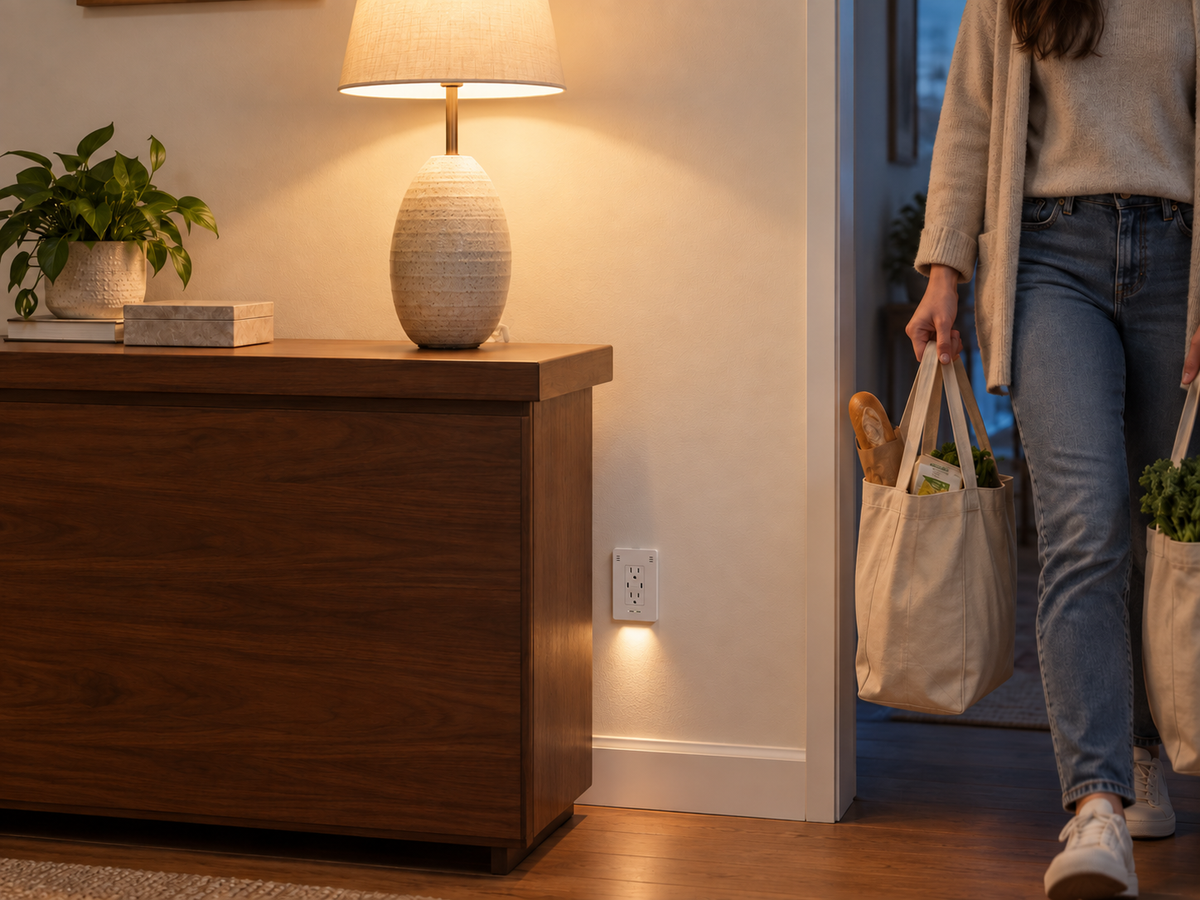
Coming home
Your hands are full.
Let the lamp switch on for you.2
Set your connected lamp to turn on when you enter, so you can put the shopping down before reaching for a switch.
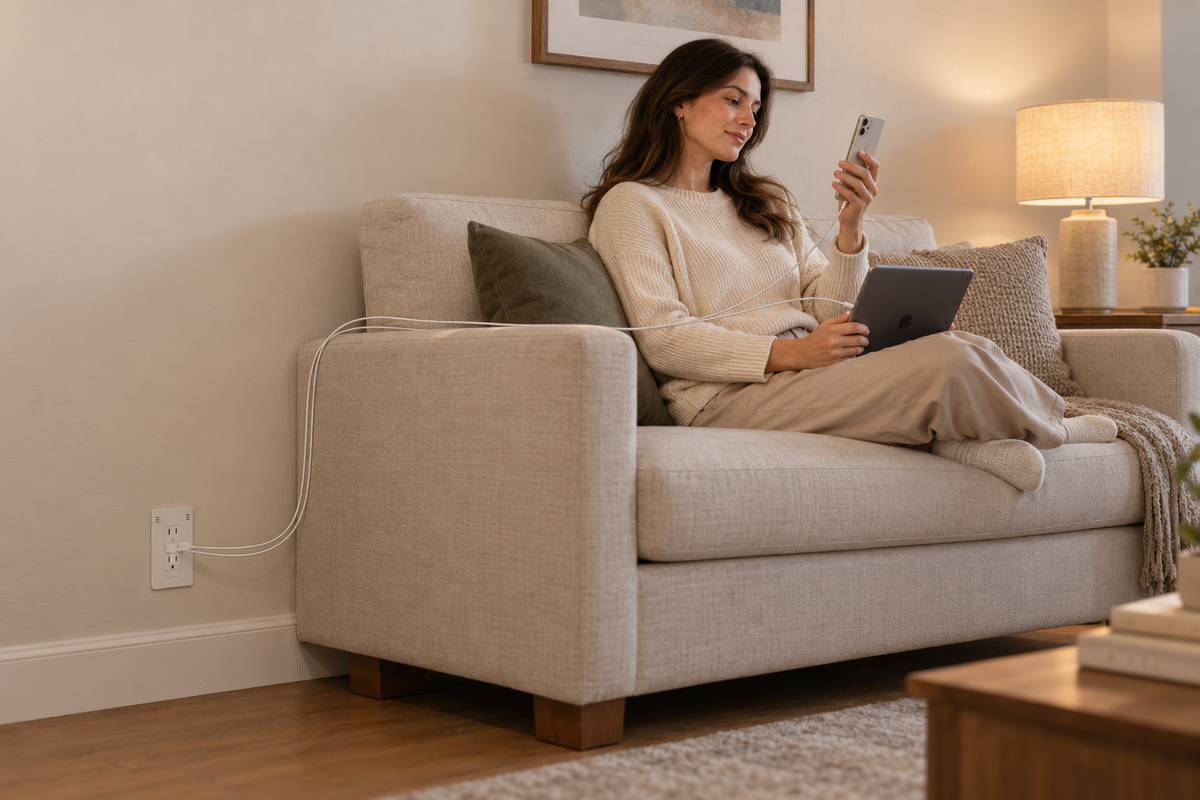
Charging where you relax
Your battery is low.
Your charging brick is in another room.1
Charge your phone and tablet straight from the wall, without separate charging bricks. Two USB-C ports share up to 45W total.
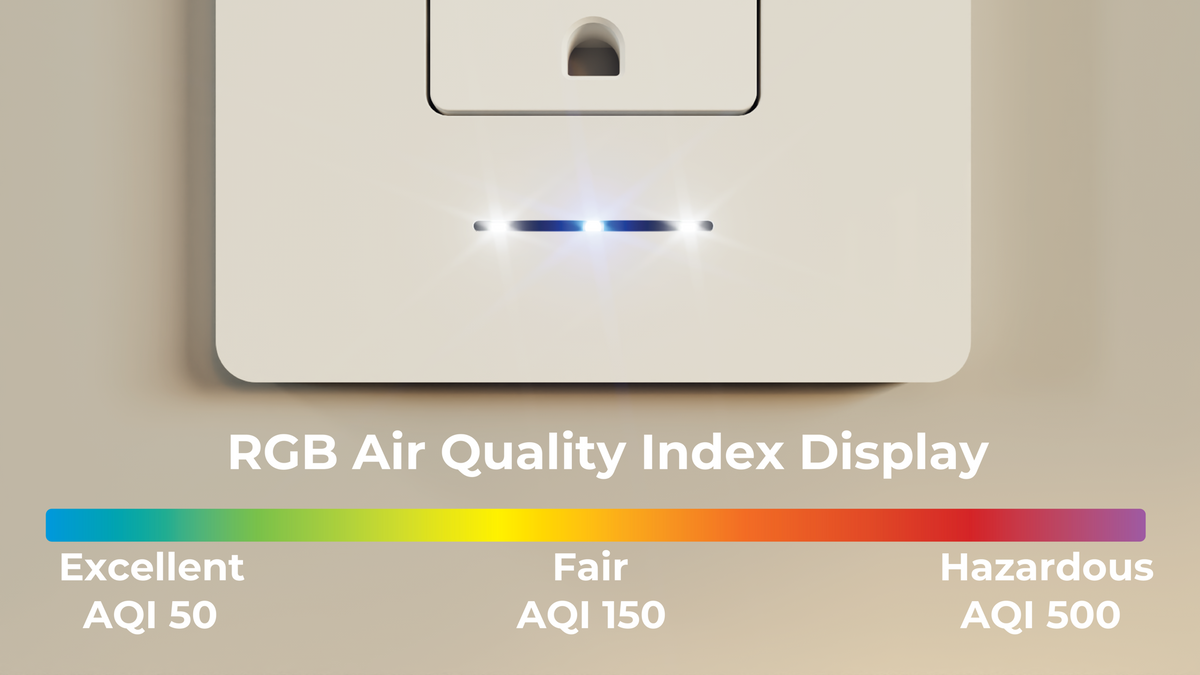
Checking the room
Check the air quality without opening an app.3
The included Pro cover shows the room’s air-quality level with a color indicator. Open InvisHome for more detail.

At home
 Lamp on
 Lamp off
Lamp control
Left the lamp on?
No need to head home.
Check and switch off your connected lamp from your phone.
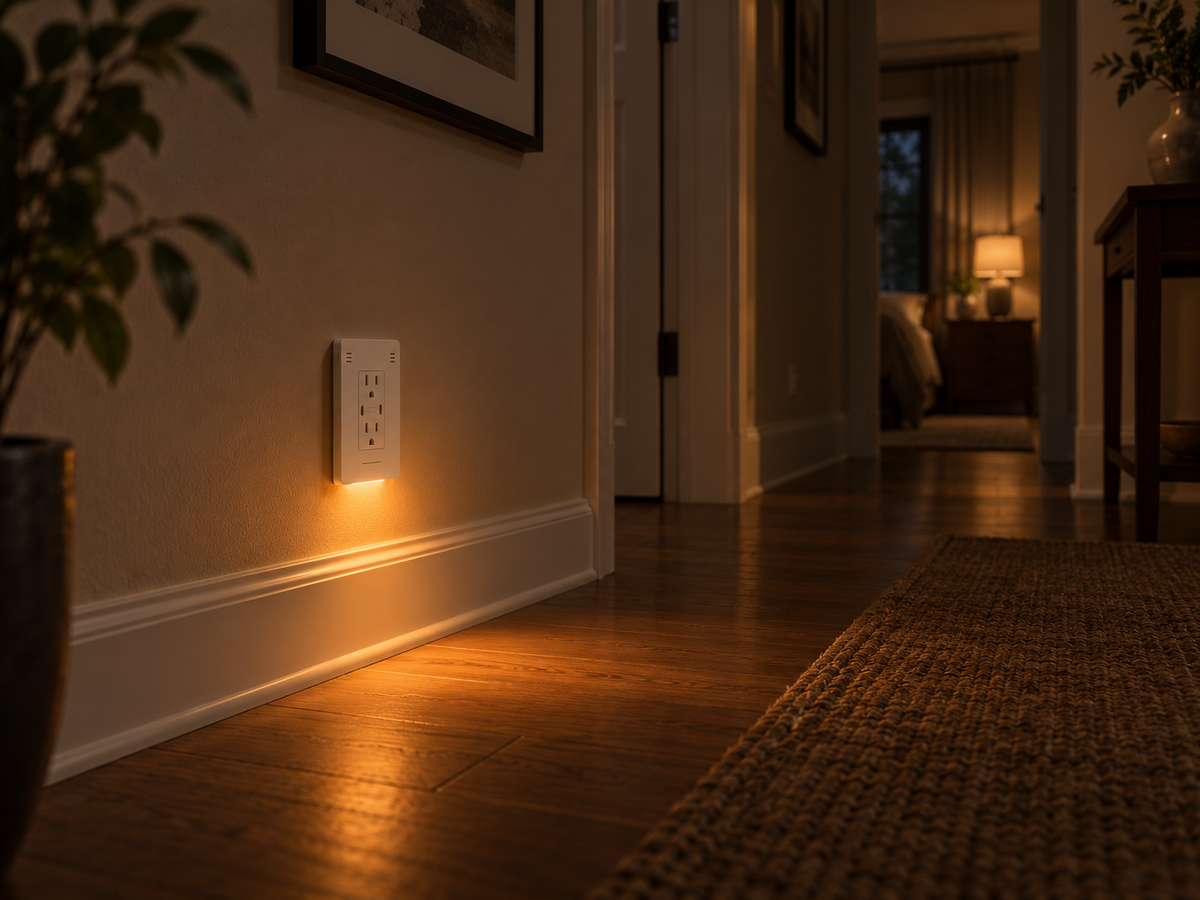
Getting up during the night
Getting up for water shouldn't mean lighting up the bedroom.
A warm light near the floor helps you see where you're going while the main lights stay off.
InvisHome app
Your outlet, at a glance.

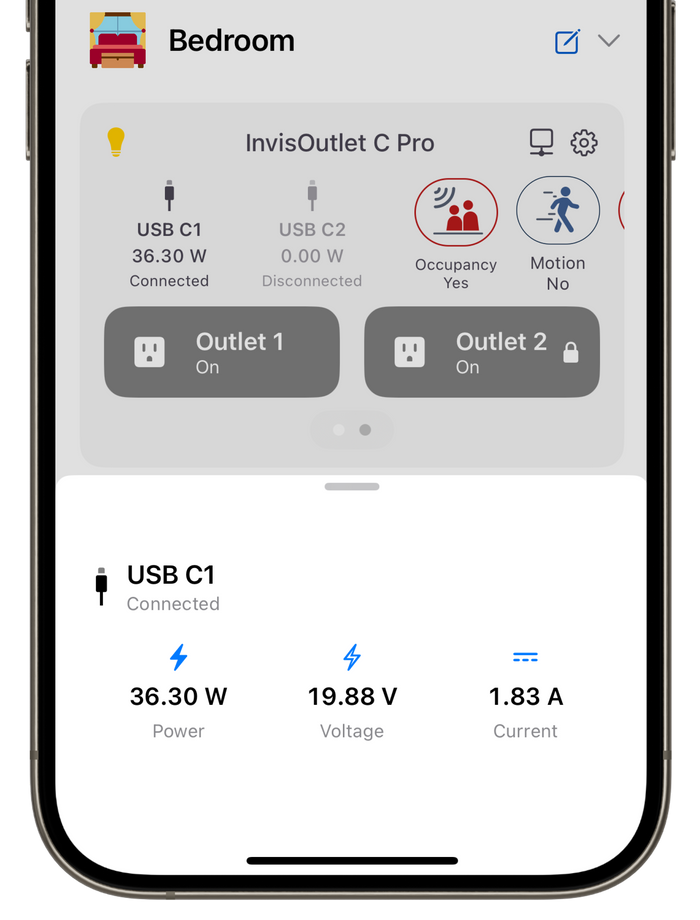
Check outlet status, see USB-C charging power, and adjust the nightlight in InvisHome.
What's built in
It's all built into one outlet.
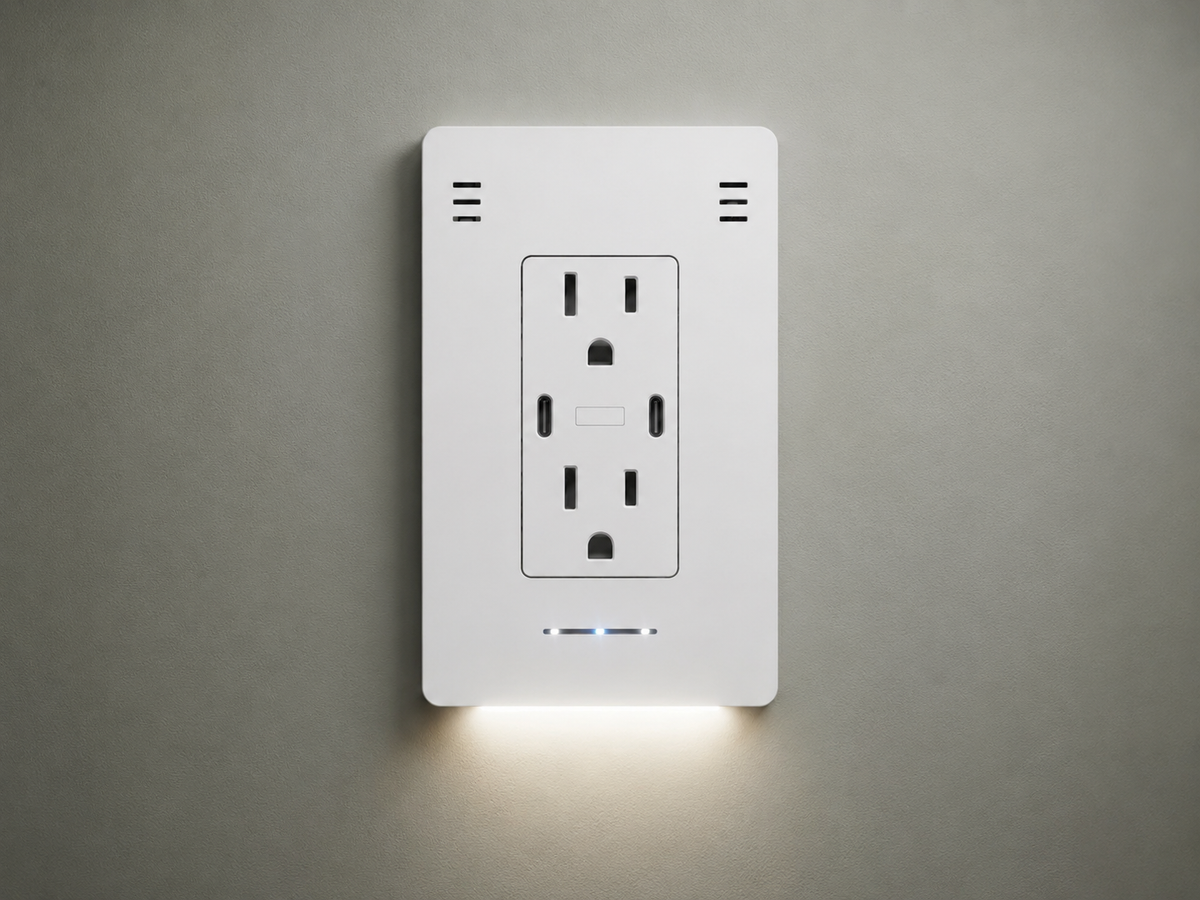
Charging and smart power are in the outlet. Room sensing and a warm nightlight are in the included Pro cover.
- USB-C charging
Two ports share up to 45W.
-
Smart AC power
One controllable receptacle; one always on.
-
Presence sensing
Trigger routines when someone enters.
-
Air quality
See status at a glance on the Pro cover.
-
Room conditions
Check temperature and humidity.
-
Warm nightlight
Soft light near the floor after dark.
Charging, outlet control & what's included
Two recessed USB-C ports share up to 45W total. One AC receptacle is controllable; the other stays on.
InvisOutlet C Pro includes the in-wall core, Pro cover, and WAGO connectors to simplify electrical connections. Check box space and wiring before installation.
Technical specifications
Power & outlets
- 120V AC, 60Hz; 15A maximum.
- One controllable receptacle and one always-on receptacle.
USB-C charging
- Two recessed USB-C ports; up to 45W shared total.
- USB Power Delivery 3.0 and PPS.
Room sensing
- Presence and movement.
- Ambient light, air quality, temperature, and humidity.
Nightlight
- Warm 3500K CREE LED.
- Adaptive lighting with adjustable brightness.
Connectivity & platforms
- Matter over Wi-Fi or Thread; MQTT integration.
- InvisHome, Apple Home, Google Home, Amazon Alexa, Samsung SmartThings, Home Assistant, and Hubitat.
Installation & warranty
- Compatible US electrical box and 120V wiring.
- WAGO connectors included.
- One-year limited warranty.
InvisHome charging details
- USB-C control and monitoring. Independently switch USB C1 and USB C2 on or off in InvisHome, and view each port's power, voltage and current.
- Connected-device battery level. Battery-percentage reporting is available for iPhone and iPad only.
Common questions
- What can I charge, and how is the power shared? The two USB-C ports share up to 45W total. Charging depends on your device, cable, and USB Power Delivery negotiation. Check compatibility for devices that need more power.
- Which AC receptacle can I control? One AC receptacle is controllable; the other remains always on. Connect the lamp you want to switch to the controllable receptacle shown in the InvisOutlet C Pro installation guide.
- What is included? The in-wall outlet and Pro cover are included.
- What setup do the routines need? Automatic routines require configuration and a compatible smart-home system. Supported triggers, controls, and remote access depend on your setup.
- Can I install it in my existing wall box? Check the InvisOutlet C Pro installation guide for required box space and wiring. Use a qualified electrician when required or when you are unsure.
- How does the reservation work? Review current reservation payment terms, cancellation deadline, and shipping information on the reservation page before checkout.
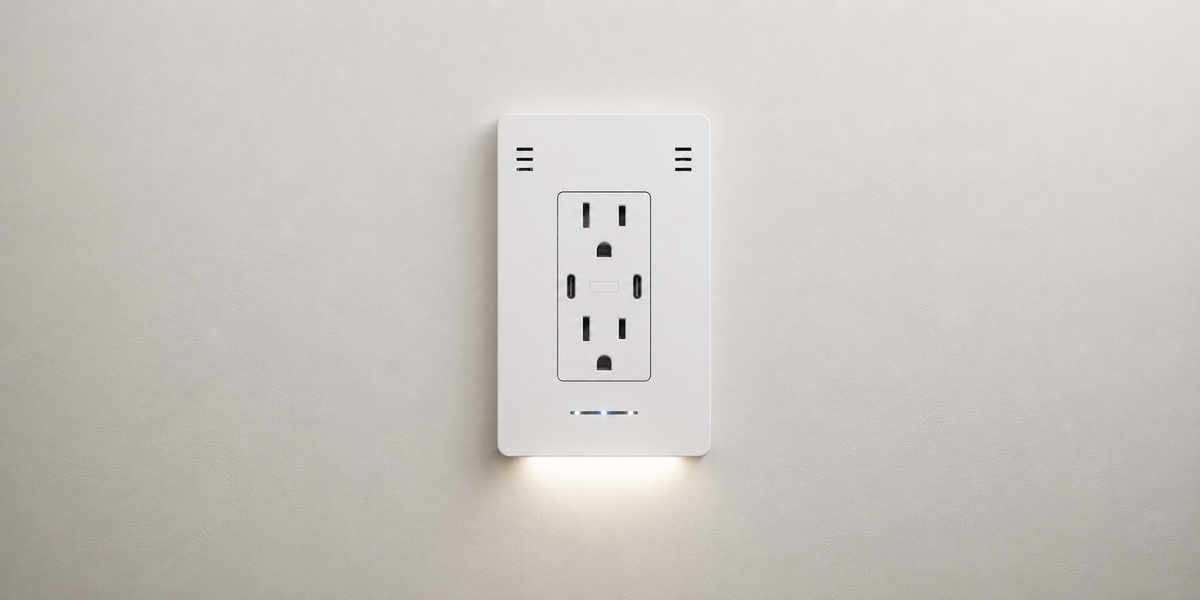
InvisOutlet C Pro
Start with the room where you unwind.5
Make charging, switching off the lamp, and getting up at night a little more convenient.
Product notes
- The USB-C ports share up to 45W total. Charging speed depends on your device, cable, and USB Power Delivery negotiation.
- Automatic routines require setup and a compatible smart-home system. Supported triggers and controls vary by platform. Lifestyle scenes are illustrations, not recorded hardware demonstrations.
- The Pro cover’s air-quality indicator shows a status at a glance. Available app readings and controls depend on app version and setup; actual readings vary by room.
- WAGO connectors are included to simplify wiring. Check electrical-box space and wiring against the installation instructions. Use a qualified electrician when required or if you are unsure.
- Review current reservation payment terms, cancellation deadline, and shipping information on the reservation page before checkout. Delivery timing is not guaranteed.
- The InvisHome screen shows example readings. App layout and available controls vary by version and setup. USB-C power readings depend on the connected device and cable; the two ports share up to 45W total.
InvisOutlet C
Find the right C for your home.
C Pro or C Aura? Get a closer look at both, with help choosing what works for your space.